Community, sharing and notifications
The community is the layer that prevents the platform from being just a record of results. The profile wall, following, friendships, posts, reactions, comments, shares and notifications appear here to keep the activity alive.
Profile social connections
Social relationships belong to the active identity. If an account has multiple profiles, each player, club, team or administrative profile keeps their friendships, followers and followed profiles separately. Changing the active profile also changes the identity that initiates a relationship or responds to a request.
Followers and following
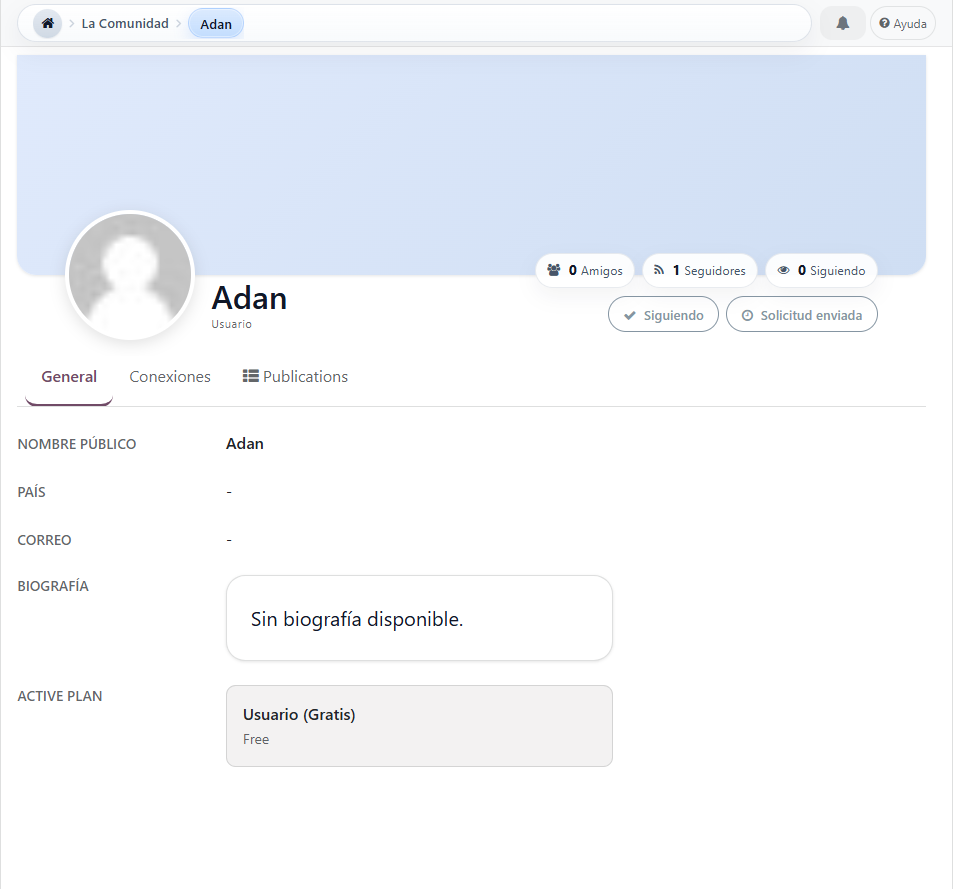
The follow-up is unilateral and immediate. Followers shows who follows the profile activity; Following shows the identities whose activity that profile follows.
Friendships
Friendship is bilateral. It only becomes an active connection when the recipient profile accepts the request. When accepted, the system preserves the relationship in both directions.
Requests
A request can be pending, accepted or rejected. While waiting for a response, the sender can cancel it and the recipient can accept or reject it.
Social actions on the profile wall
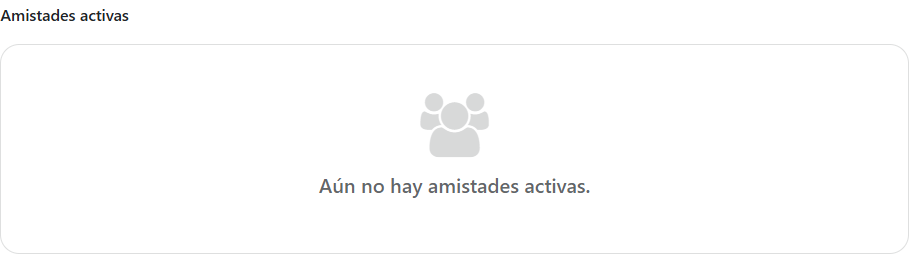
Visible friendships of a visited profile
What changes when you follow a profile
- The followed profile appears within Following for the active identity.
- The active identity appears within Followers for the followed profile.
- Posts with visibility Followers of that identity become part of what the follower can consult.
- The reach For you uses friendships, followed profiles and nearby communities to build a more relevant social reading.
- Unfollow removes the following relationship, but does not remove an existing friendship.
The Figure Community 1 displays the status Following. The path to follow or unfollow is explained in Follow or unfollow.
What changes when friendship exists
- The request generates a social notification for the recipient profile.
- The recipient can accept or reject from their notifications or from the Connections tab on their own wall.
- Acceptance creates a reciprocal relationship and updates the friend counter of both profiles.
- Acceptance or rejection notifies the person who initiated the request of the result.
- An accepted friendship can be deleted; deletion removes the relationship in both directions without automatically altering the trace.
The difference between received and sent requests is developed in Reply, cancel or delete a friendship.
Own reading and public reading
The wall displays social counters as shortcuts to Connections. A visitor can consult active friendships, followers and followed profiles; Figure Community 2 illustrates the public reading of friendships. Only the owner sees the requests received and sent and has his management actions.
Posts
They are used to announce, highlight and comment on profiles, tournaments, rounds, matches or general activity.
Share
Not publishing. It is sending the reference of a record to one or more target profiles through a specific flow and associated notifications.
Notifications
They act as the reactive layer of the system. There is unread count, quick listing, full history and actions to mark as read.
What does this experience offer
- There is a notification center with history and ordering by title, origin, status and date.
- Sharing helps you send tournaments, matches or profiles to other people within the platform.
- Posts allow reactions, comments, and deletion where appropriate.
- Integration is observed between tournament, round, match and post in different views.
Why this layer matters so much
- Extends the life of the event beyond the pure result.
- Reduces the need to coordinate everything outside the platform.
- Turns sports activity into circulation, tracking and retention.
Publish
- Creates public story, conversation and visibility.
- Can be linked to a tournament, round, match or session.
- The general space does not fulfill the same function as the space specific to each identity.
Share
- Moves a specific reference to specific profiles.
- It serves to coordinate, notify or give visibility without converting everything into a post.
- Reduces the need to copy links outside the platform.
Reading and filters
- Can be read by author, owner profile, post type and related model.
- Reactions, comments and images help keep the competitive activity alive outside of the result.
- The difference between community exploration and personal monitoring matters a lot.