Platform administrative console
The administrative console is the private space from which an authorized account maintains global Smartdomino settings. Not to be confused with the Tournament Manager profile: one governs the platform and the other operates specific sporting events.
Global administration and sports administration
Platform console
- Granted to a account through the internal super management group.
- Manage users, profiles, plans, permissions and shared catalogs.
- Its scope can affect the entire instance, not just an organization or tournament.
- Opens in
/admin/frontendand does not appear for common accounts.
Tournament Manager
- It is an operational profile with its own identity, memberships and permissions.
- Manage tournaments, rounds, matches, absences, times and authorized issues.
- You do not obtain automatic access to accounts, plans or global catalogs for this type of profile.
- Your journey is expanded in Tournament Manager.
Domains that centralize
Users and profiles
Allows you to review accounts, activity, email verification, associated profiles, active identity, owners and general consistency.
Plans and permissions
Presents plans, permissions and relationships between both. From each detail, linked profiles can be reviewed and effective permissions synchronized when applicable.
Competitive catalogs
Centralizes formats, groupings, ordering criteria, ELO categories and round templates that then consume tournaments, sessions and rounds.
Employment contract
- The initial panel uses global counters to show the actual status of each domain.
- Administrative listings preserve cards and list, filters, order, columns and navigation context.
- Reading and editing are separated: details remain in query mode until editing is explicitly entered.
- Selection, inline editing, and bulk actions live in the admin bar and only appear where they can be saved.
- The details and their tabs should keep the user inside the console, with breadcrumbs returning to the corresponding listing.
Global Administrative Panel
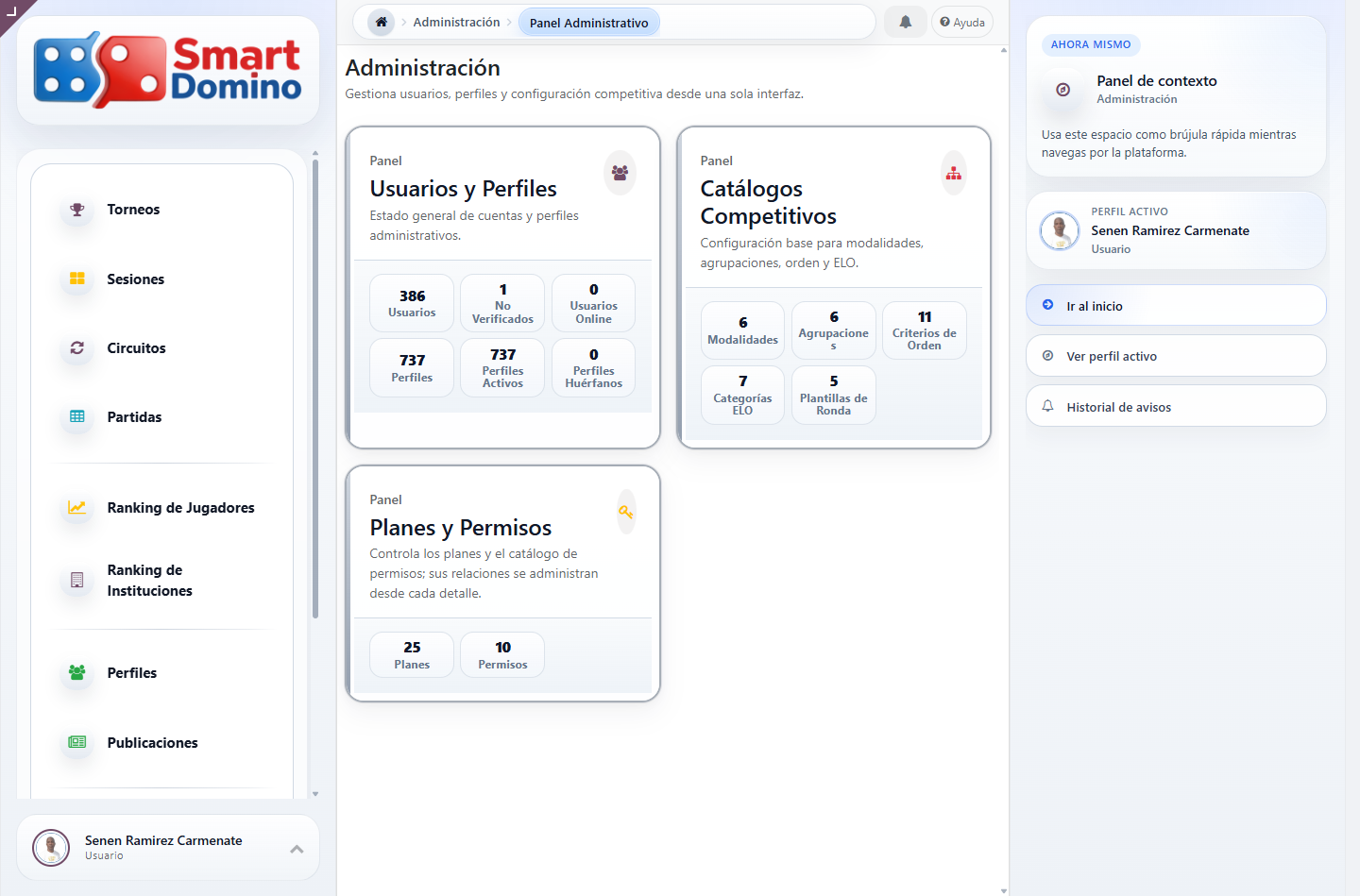
Principle of minimum scope: Having the console does not mean that every action must be carried out from it. The daily operation of a tournament continues to belong to its administrative profiles; the console is reserved for global maintenance, security, and shared configuration. See Manage the platform from the console.