Explore and move to the authenticated experience
This process explains how a visitor discovers public activity and when they must log in or create an account to participate. The definition and privacy limits are in Public Interface and Discovery.
Browse without signing in
- Open the public home page or go to Explore.
- Select Profiles, Tournaments, Circuits, Rankings or Posts according to the question you want to answer.
- Use search to limit the directory by name or visible content.
- Open a card to consult the editorial domino tile of the entity.
- Follow public links between organization, circuit, tournament, profile and related posts.
- When an action requires identity, select Enter or Create account.
Discovery Cover

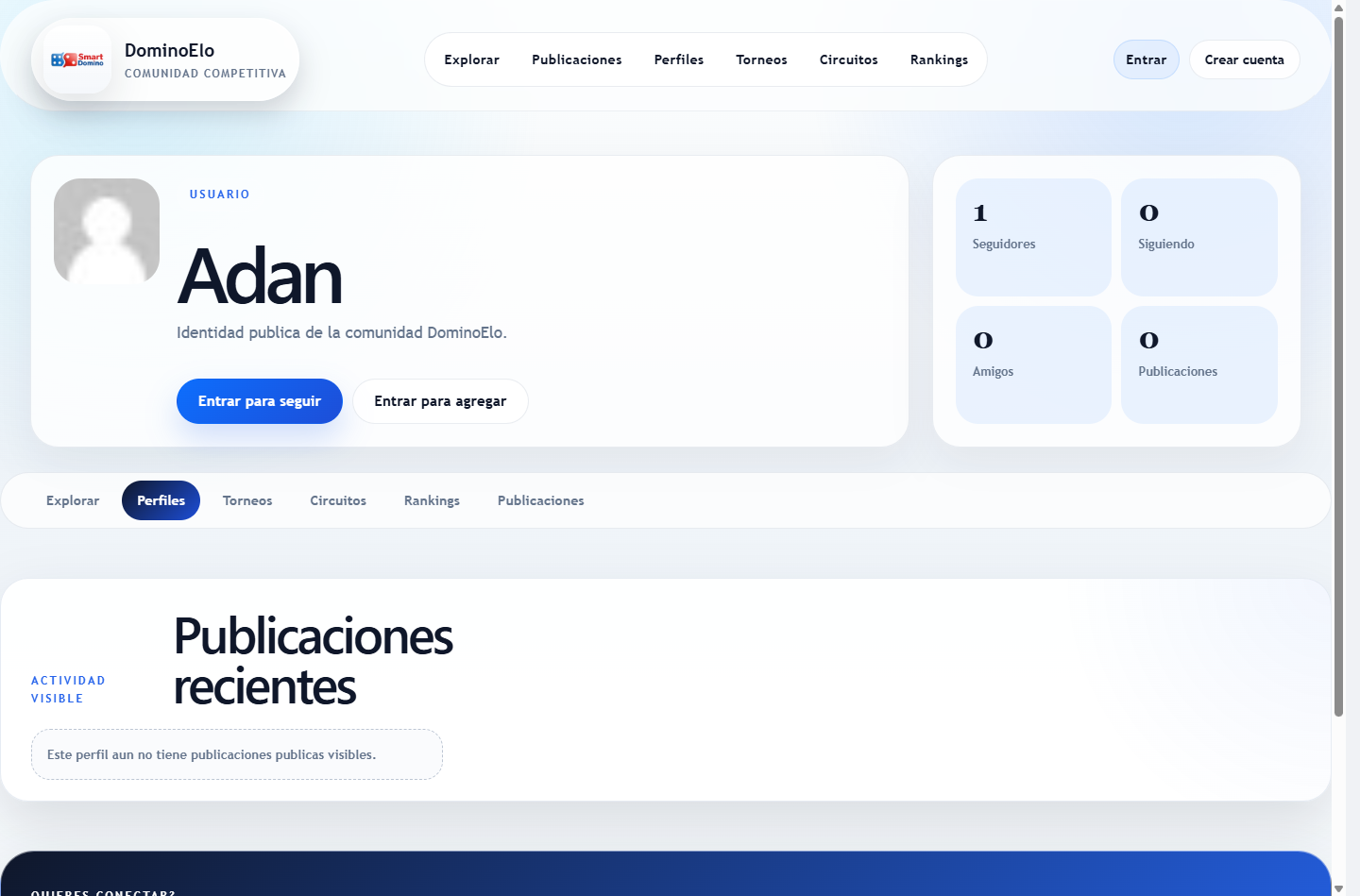
Public profile detail
Public details of a tournament
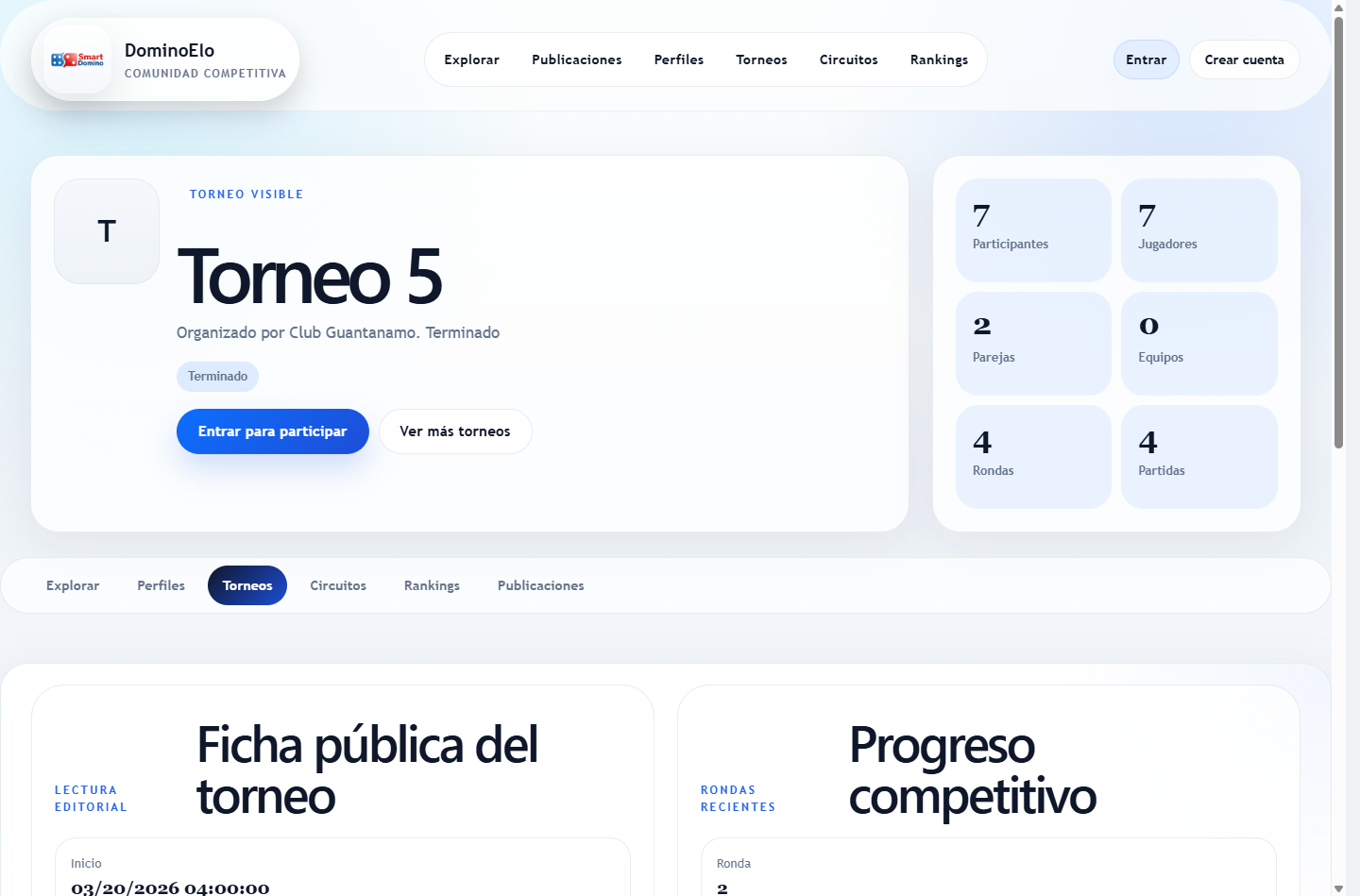
The Figure Public Interface 1 helps to recognize the discovery map; Figure Public Interface 2 shows the transition from public reading to authenticated participation; and Figure Public Interface 3 shows how a visible event is presented.
Read public details
Profile
Check identity, bio, type, verification, social counters and visible posts. Following or requesting a friend requires a session and a different active profile.
Tournament or circuit
Check editorial status, dates, organization, capacity, progress and visible relationships. To request participation or manage you must go to the internal experience.
Post
Read content, author, editorial attachments and added activity. Reacting or commenting requires login.
Enter without losing your intention
- Select the action that requires authentication.
- Login with your account or complete registration and email verification.
- If you do not have a profile, create the identity from which you want to act.
- Check active profile before following, friending, participating, posting, or organizing.
- Continue in the corresponding internal space. The authenticated interface can display more data and actions because it enforces permissions and ownership.
Refer to Figure Access 1 and Figure Access 2 to recognize the two entry points from the public façade.