Find help for a task or screen
This process uses the three surfaces described in Help Center and Contextual Help. The best entry depends on whether you know the topic, want to read from start to finish, or need help for the current screen.
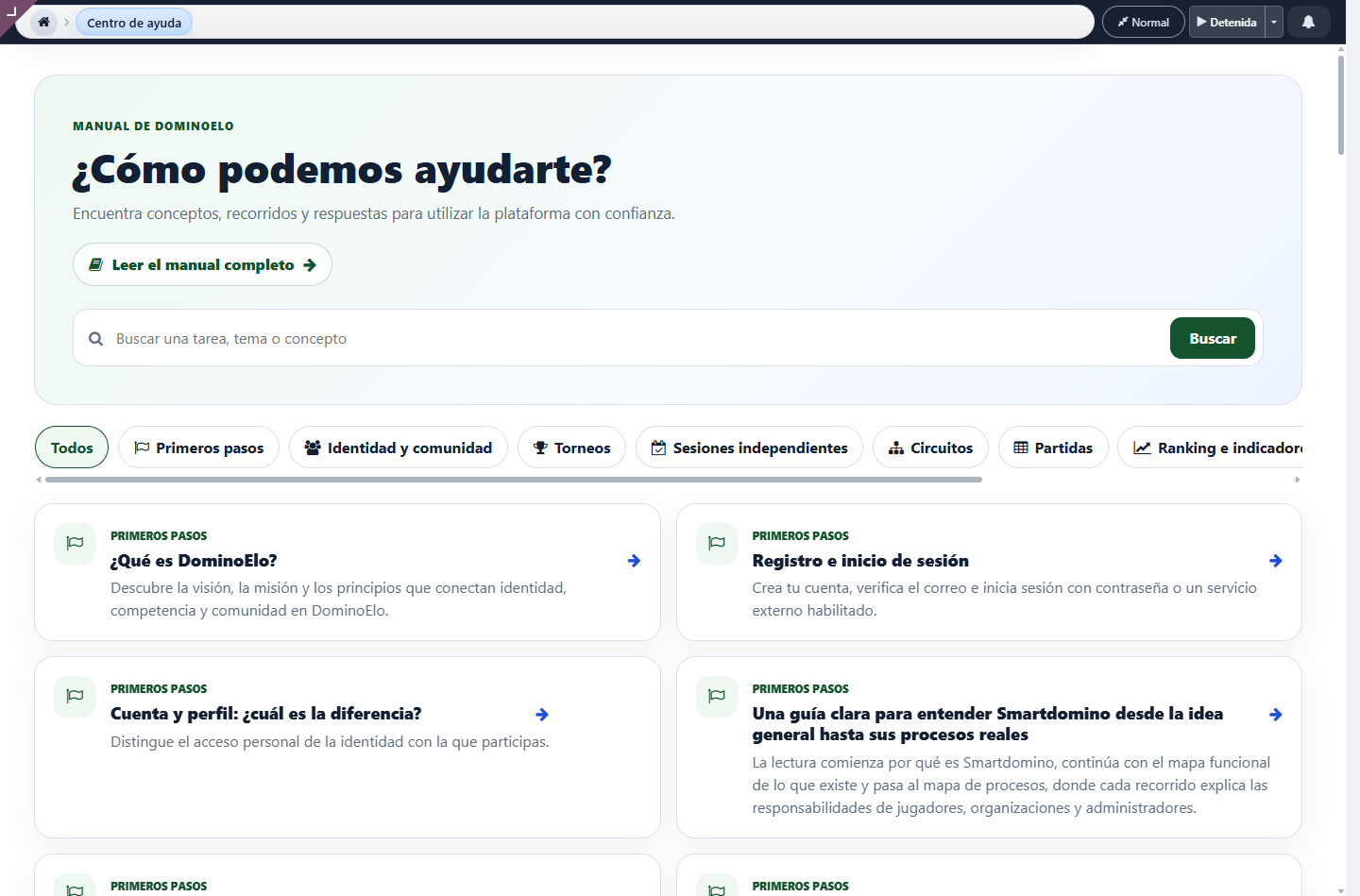
Help Center
Recommendations for a screen
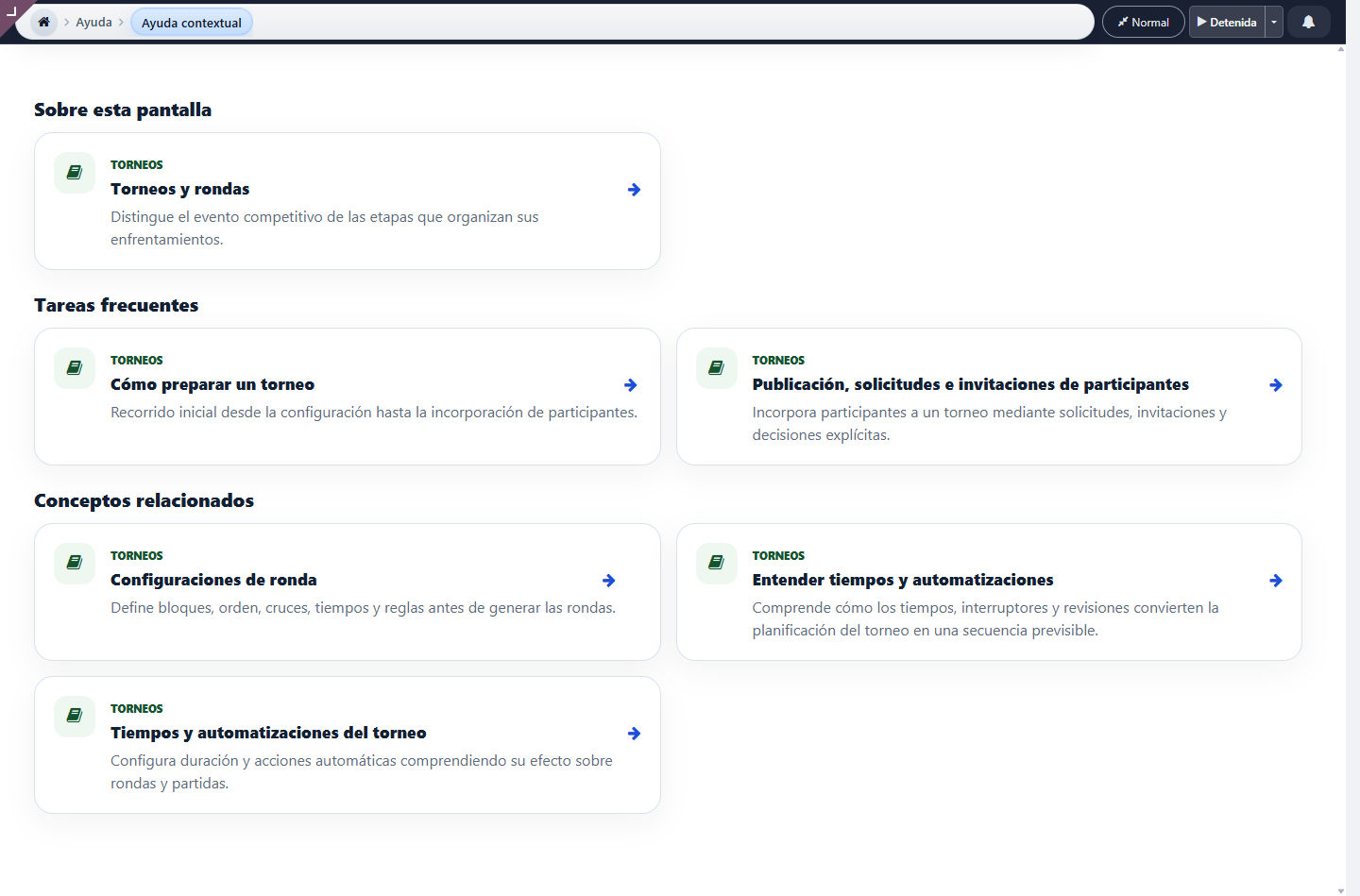
Use Help Figure 1 when you know the general topic and Help Figure 2 when the question arises from a specific screen.
Search by topic or question
- Open Help from the main actions or enter
/help. - Write a task, entity or problem in the search engine, for example tournament, profile, round, ranking or filters.
- If you prefer, select a category to limit the results.
- Open the item card. The entire card works as a link.
- Use In this article to jump to the necessary subtitle.
- Check out related articles or return to the category to expand your search.
View the complete manual
- Select Read the complete manual.
- Choose the entire manual or a perspective: Functional Map, Process Map, By Actor or Resolution.
- Use the general index on the left to change articles.
- Use the index of the article on the right to scroll through its subtitles.
- When you scroll, both indices update the active position; on mobile they become drop-down panels.
- Select an image to enlarge when you need to read a control or data in greater detail.
Ask for help from the current screen
- Select Help in the screen bar.
- The platform preserves the source path and opens grouped recommendations.
- Review About this screen, Frequent tasks, Related concepts and Warnings and issues.
- Open the recommended article; if there is a bookmark, you will go directly to the related subtitle.
- Use Return to the screen to retrieve the point from which you requested help.
When to go to Support: If the article does not resolve a particular behavior of your account, profile or event, register a request by following Create and follow a support request.